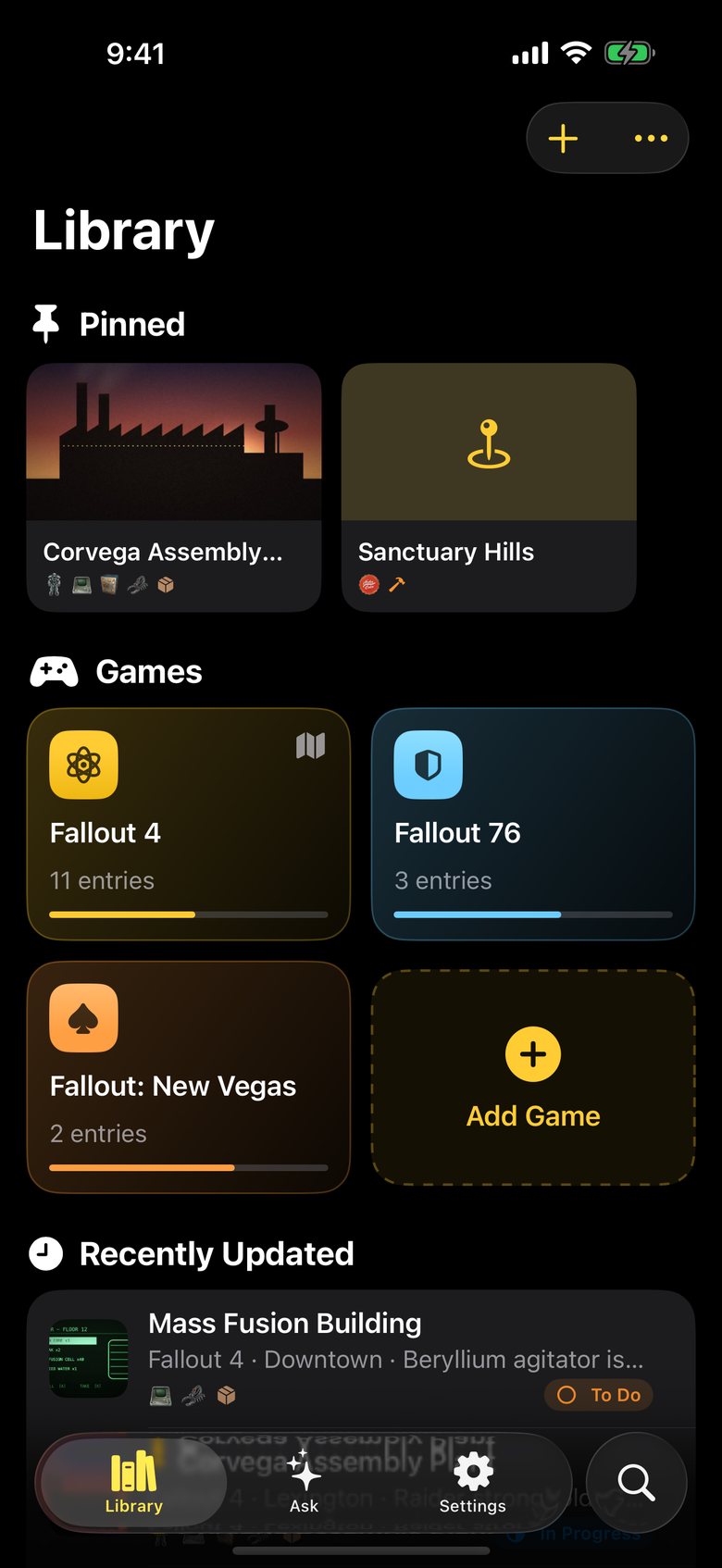
Location Notesfor Fallout
Fallout field journal · iPhone & iPad · Free

Every find,
remembered.

Log every location, stash, boss and trader you come across in the wasteland. Snap the screen, tick off the loot — and when you forget where that power armor was, just ask.

Download on the App Store
★ 5.0 on the App Store Free · no account needed
Power armor — T-45 on the roof · Museum of Freedom Terminal — Foreman's office · Corvega Assembly Plant Loot — Fusion core ×3 · floor 12 locker Boss — Jared on the roof walkway Safe — Advanced lock behind the desk Trader — Arturo · weapons & ammo Danger — Gas traps in every corridor
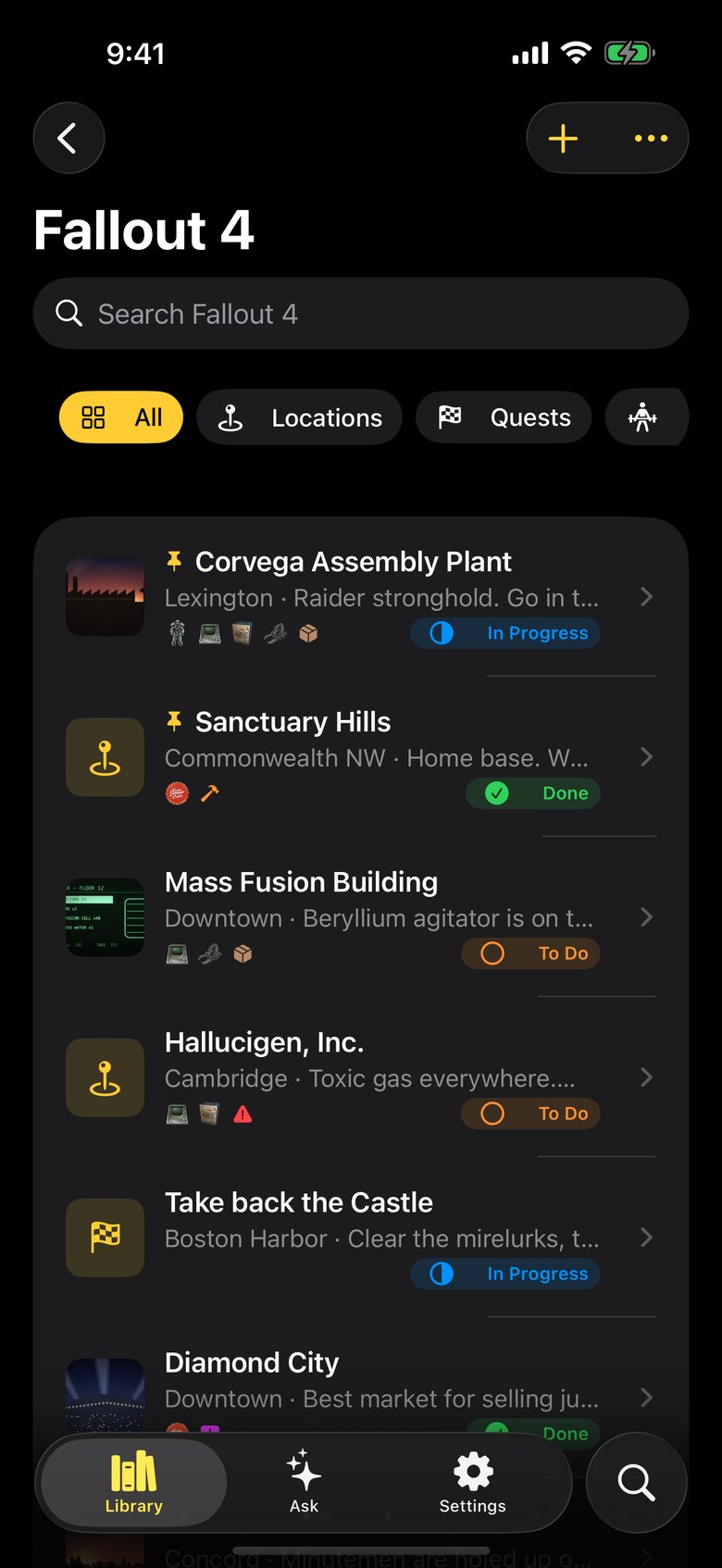
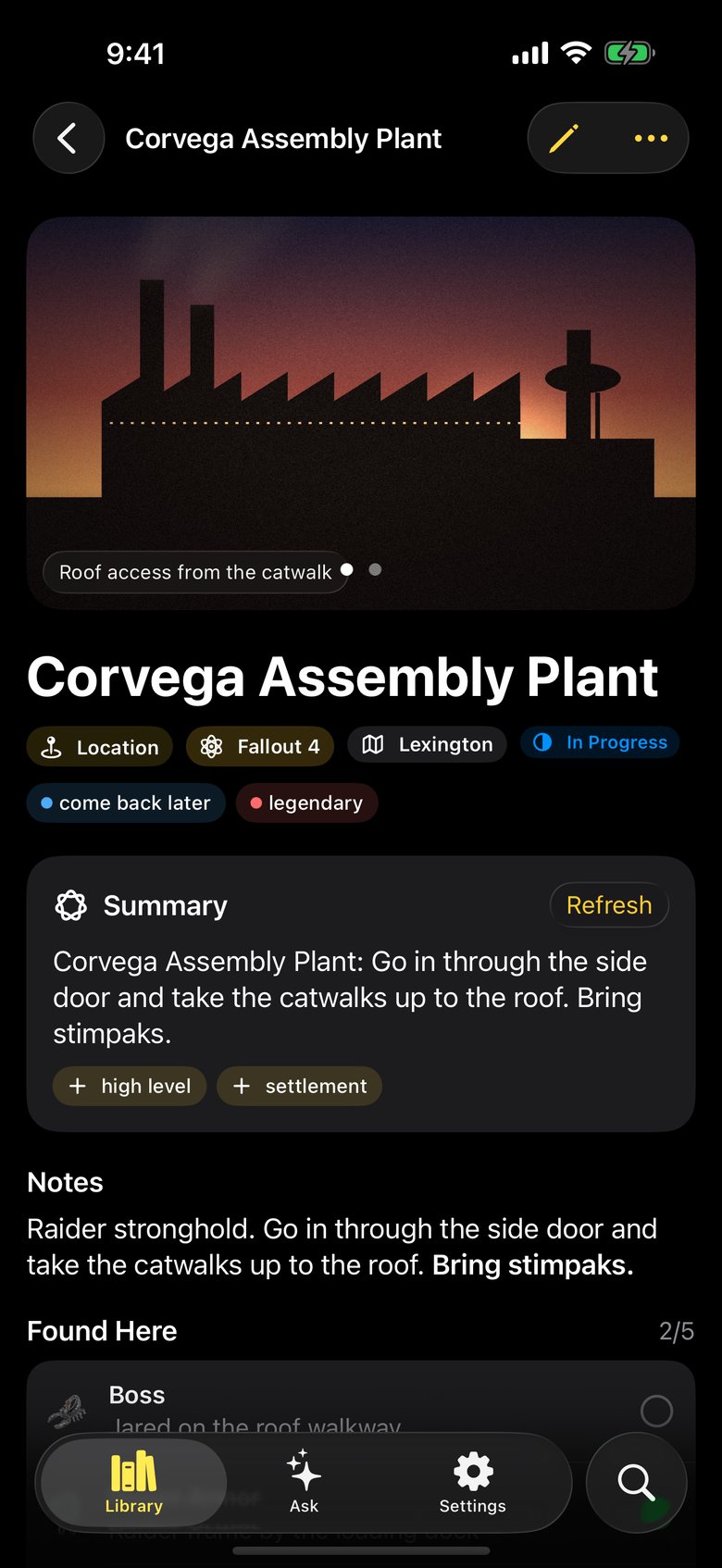
A logged location, Corvega Assembly Plant, with a photo, tags, a summary and a list of findings
Log a location

Loot, bosses, safes & terminals.

Every place gets one note: what's there, what you've already taken, and what's left. Attach screenshots or a photo of your TV, add a checklist, tag it “come back later”, and tick findings off as you loot, hack and clear.

  • Power armor
  • Terminal
  • Safe
  • Boss
  • Trader
  • Loot
  • Weapon
  • Armor
  • Collectible
  • Magazine
  • Resource
  • Workbench
  • Companion
  • Quest giver
  • Secret
  • Danger
  • Fast travel

Highlighted: the five switches from version 1, still here.
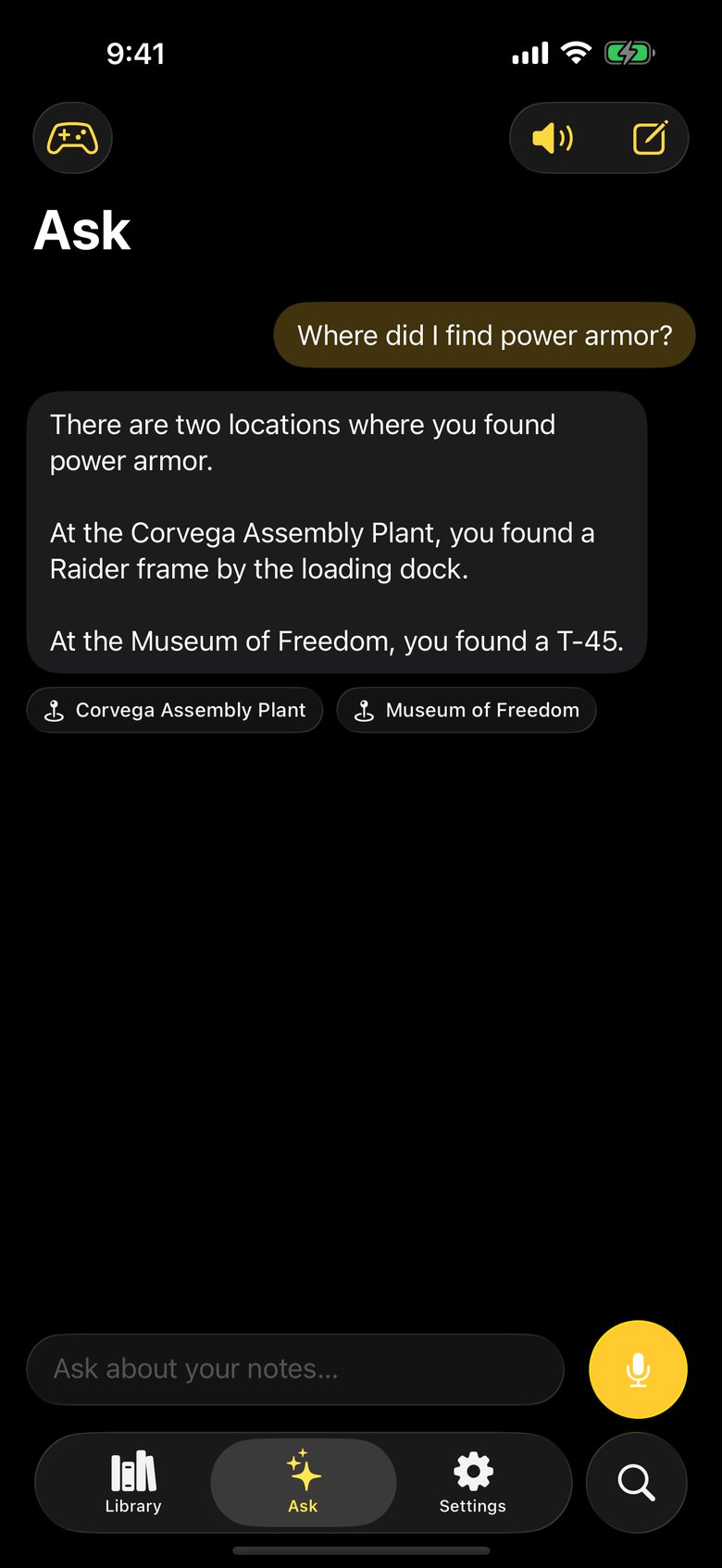
The Ask tab answering where power armor was found, with links to the source notes
Ask your notes

Just ask. Even out loud.

Forgot where you stashed it? Type or say the question and get an answer drawn only from your own notes, with links straight to them. Hands on the controller? Ask Siri.

Written answers use Apple Intelligence on supported devices. Without it, Ask shows your best-matching notes.
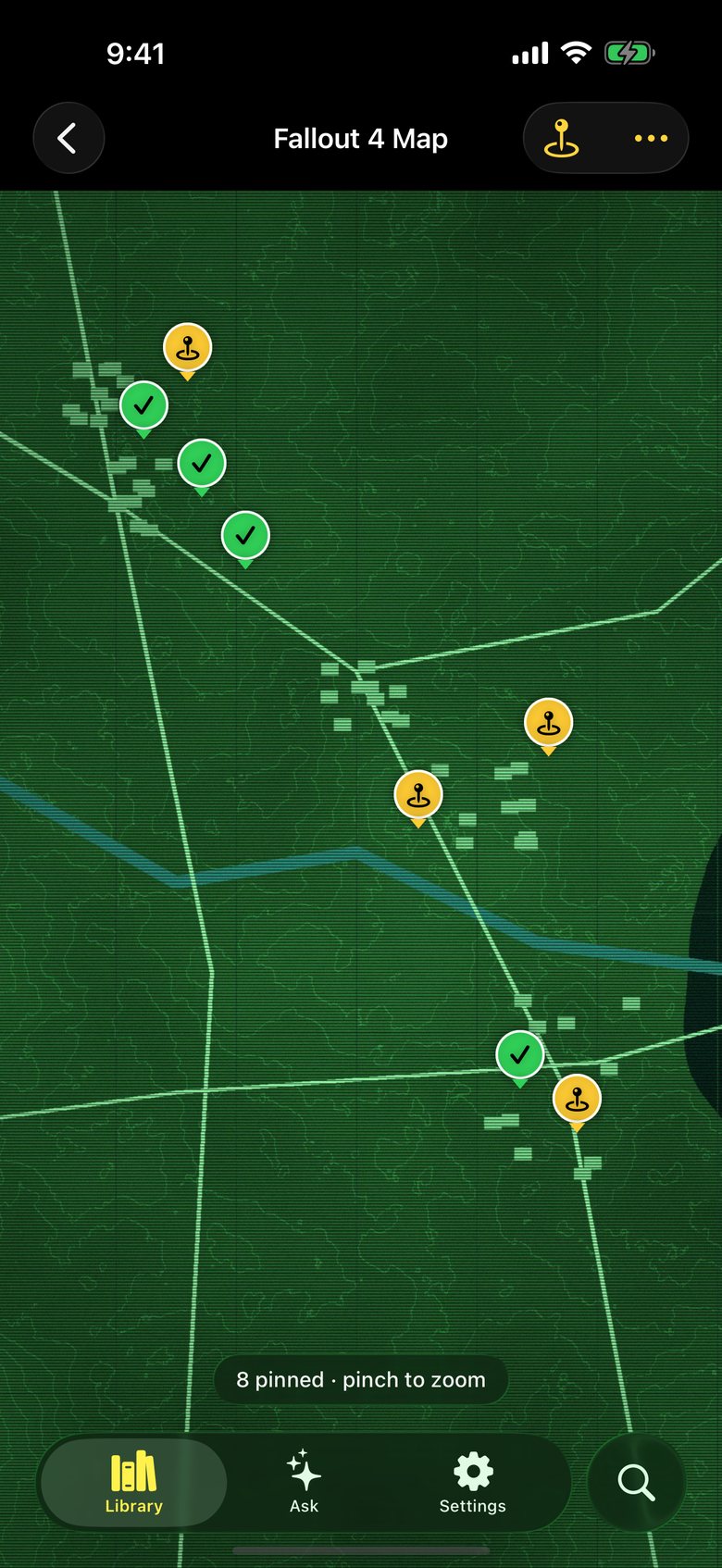
A map screenshot with pins for logged locations, cleared ones marked with a check
Map board

Pin it on your map.

Drop in a screenshot of the world map and pin your notes where they happened. Cleared places get a check, so the gaps in your run are obvious at a glance.

Also in the pack

Built for long playthroughs.

  • Every gameA separate library for Fallout 4, 76, New Vegas — or any other open world you're exploring.
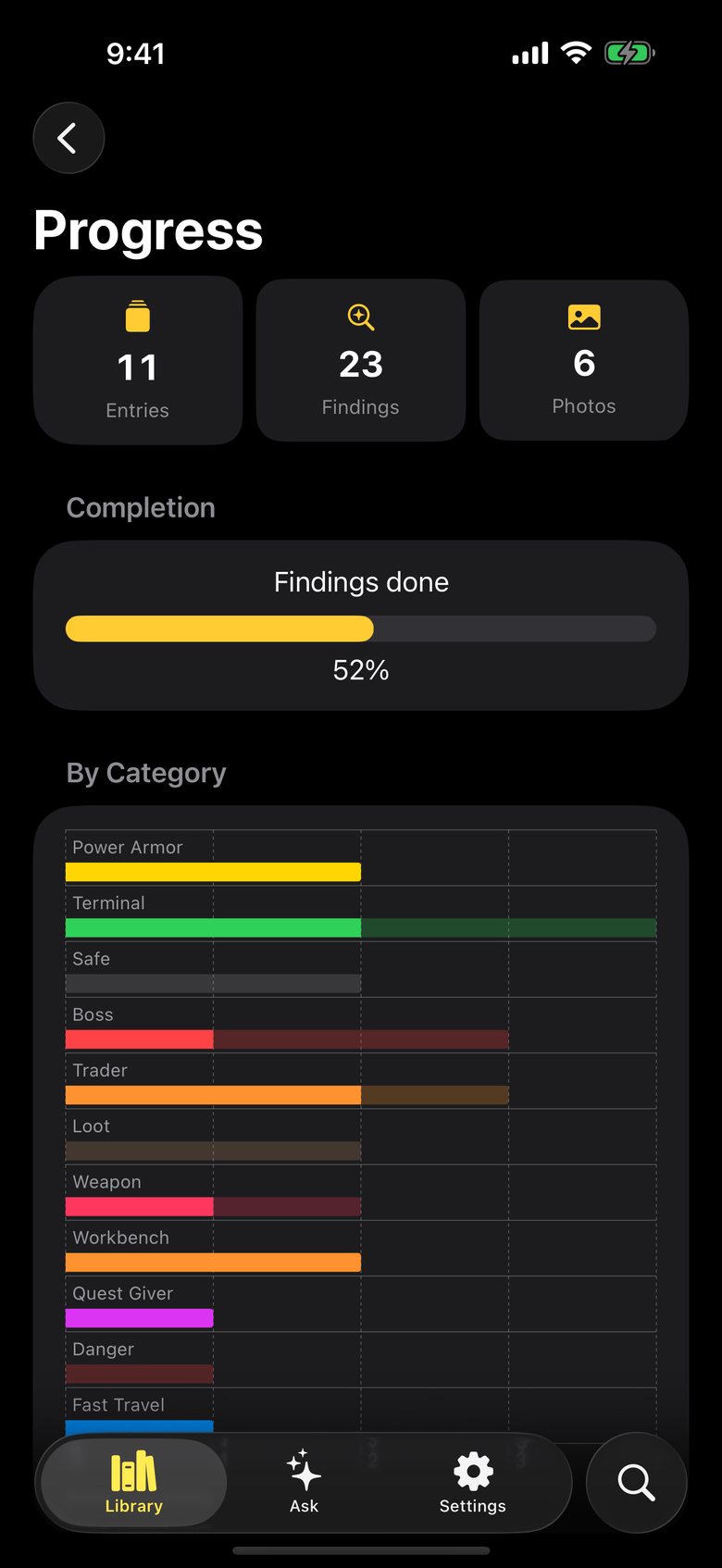
  • ProgressCharts show what's done and what's still waiting, category by category.
  • iCloudYour notes sync privately between iPhone and iPad.
  • BackupsExport everything, photos included, and restore it anytime.
  • UndoDeleted notes wait 30 days in Recently Deleted.
iPad

Room to plan the next run.

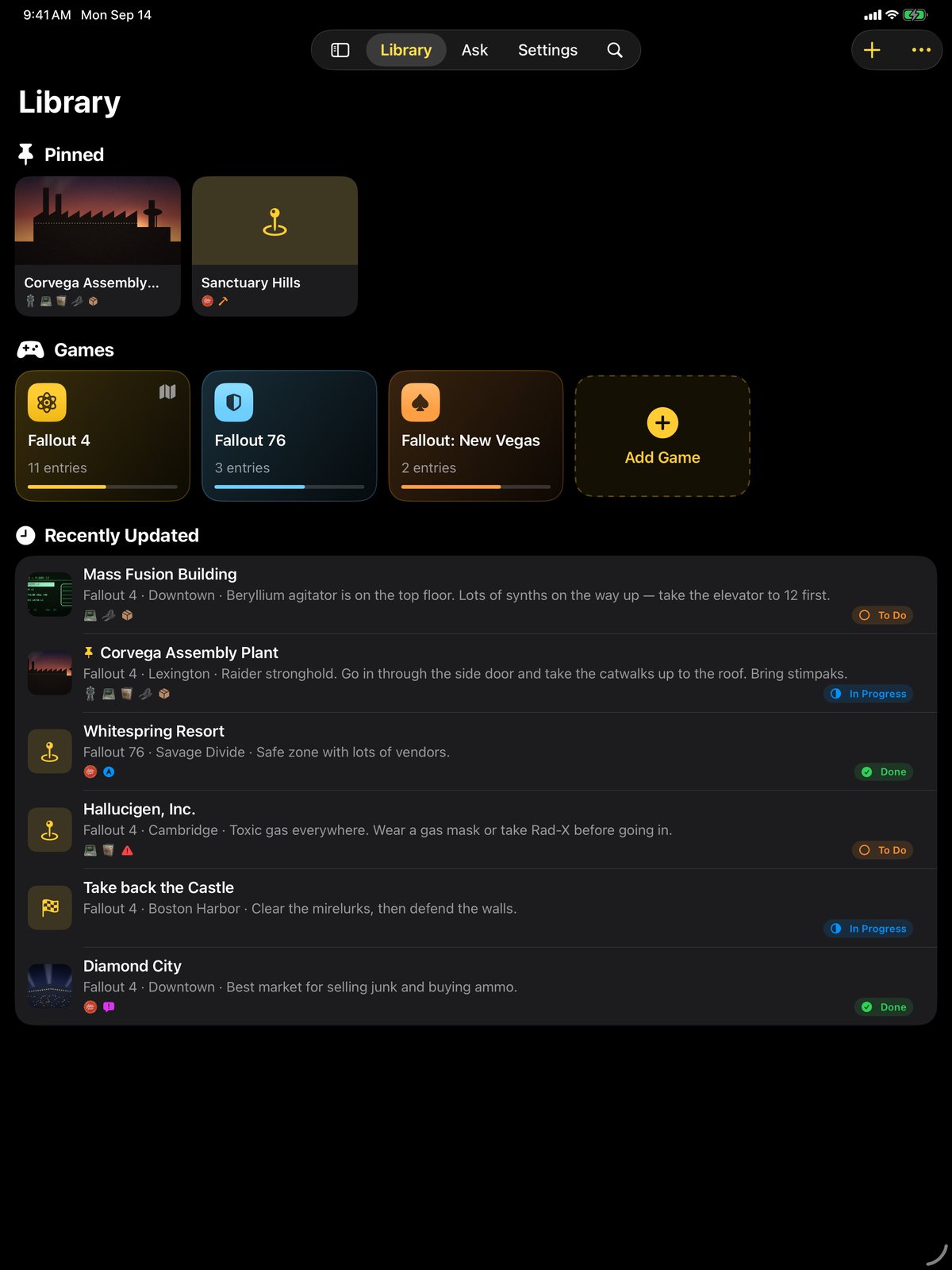
The same notes, on a bigger screen — ideal propped next to the TV while you play.

The Library on iPad with pinned notes, games and recently updated locations

Already logging with the original app? Nothing is lost.

The first time you open version 2, your locations, comments and switches move over automatically. Even locations you deleted come back to Recently Deleted for 30 days, and your original data stays on the device as a backup.

Questions

Before you head out.

Is Location Notes for Fallout free?
Yes. The app is free on iPhone and iPad and supported by ads. A one-time Remove Ads purchase turns ads off on all your devices.
Which games does it work with?
It's built around Fallout 4, Fallout 76 and Fallout: New Vegas, but you can create a separate library for any open-world game or playthrough.
Will I lose my notes when I update from version 1?
No. The first time you open version 2, your locations, comments and switches move over automatically, and your original data stays on the device as a backup.
Do I need Apple Intelligence?
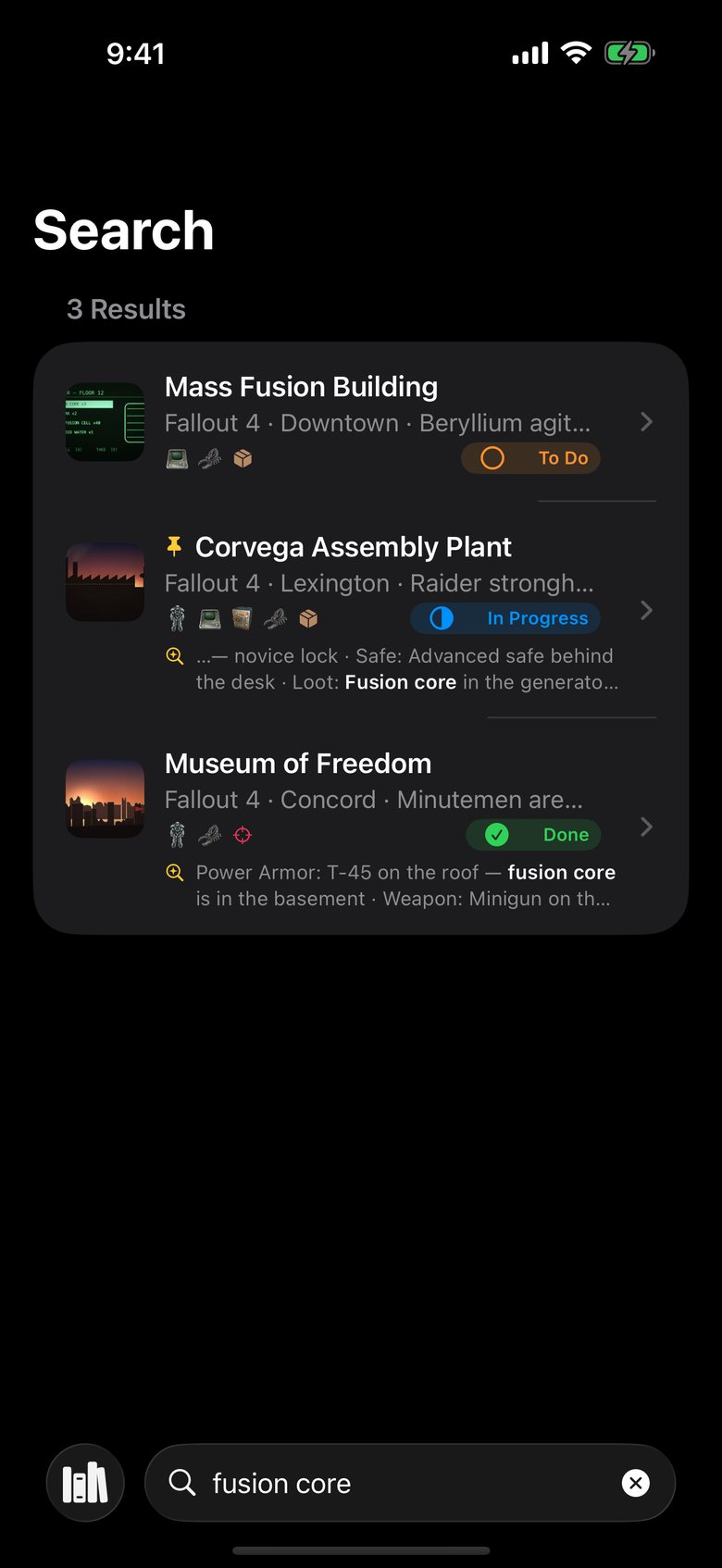
No. Search, voice questions, maps and checklists work on any device running iOS 26. With Apple Intelligence you also get written answers, summaries, tag suggestions and entries filled in from screenshots.
Where are my notes stored?
On your device, synced privately between your iPhone and iPad with iCloud. No account is needed, and your notes are never shared with advertisers.
Is this an official Fallout app?
No. It's an independent, fan-made companion app and is not affiliated with, endorsed or sponsored by Bethesda Softworks, ZeniMax Media or Microsoft.

Head out prepared.

Free on iPhone and iPad. Ads keep it free; a one-time purchase removes them.

Download on the App Store